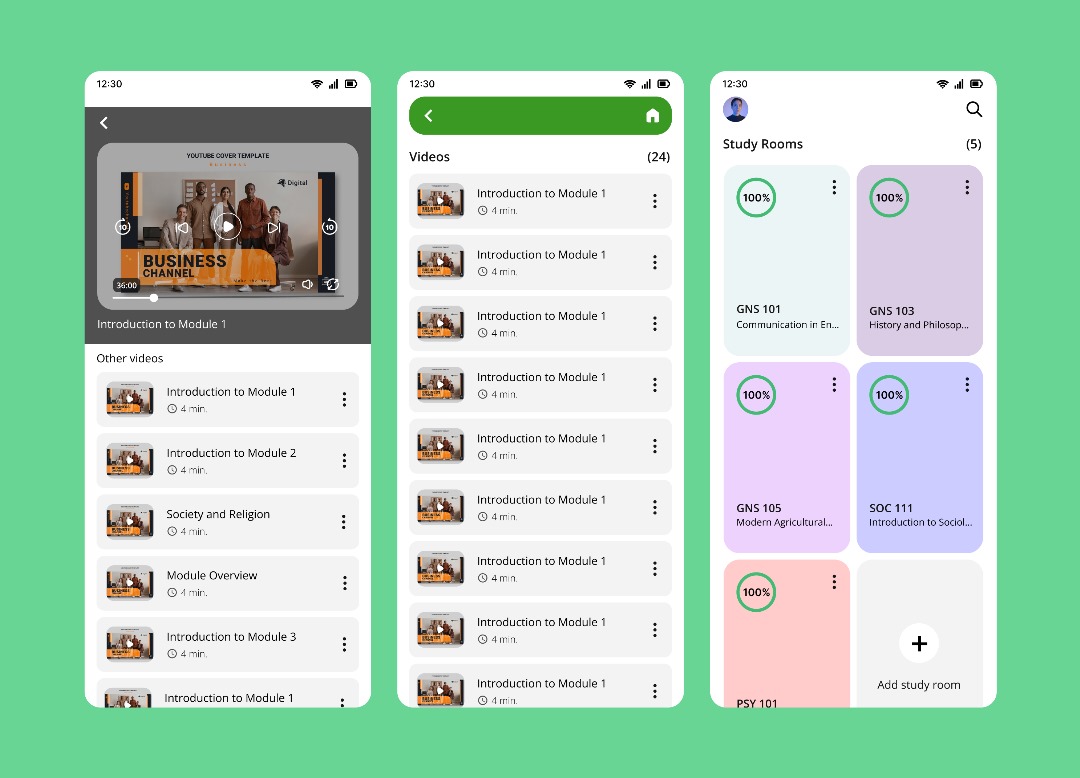
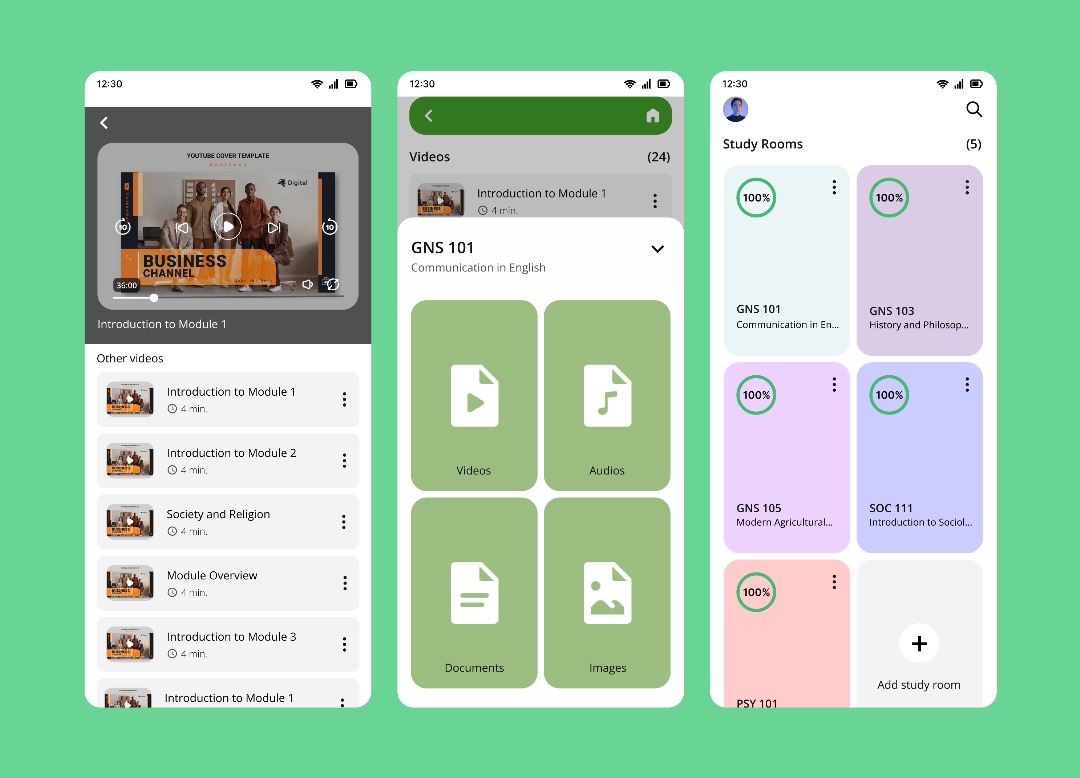
Study Room
A collaborative study space to organize resources, track progress, and learn together.
Quick Facts
Role: UX/UI Designer
Duration: 2 Months
Tools: Figma
Project overview
Study Room is a productivity and learning app that helps students create dedicated rooms per subject to store notes (images, audio, documents, video), track progress, set reminders, and invite peers to collaborate. The product is intentionally flexibl, rooms can be academic or for professional learning (e.g., “Business Management”).
The Problem
Students keep notes and files in many places, lose context across subjects, and find it hard to see progress or coordinate with peers. Reminders are scattered, so important tasks slip.
The Goal
Provide focused rooms per subject where learners organize mixed media, track goals, set timely reminders, and collaborate with classmates in a simple, reliable flow.
My process
Research-driven design that focuses on discoverability, low-friction collaboration, and progress tracking.
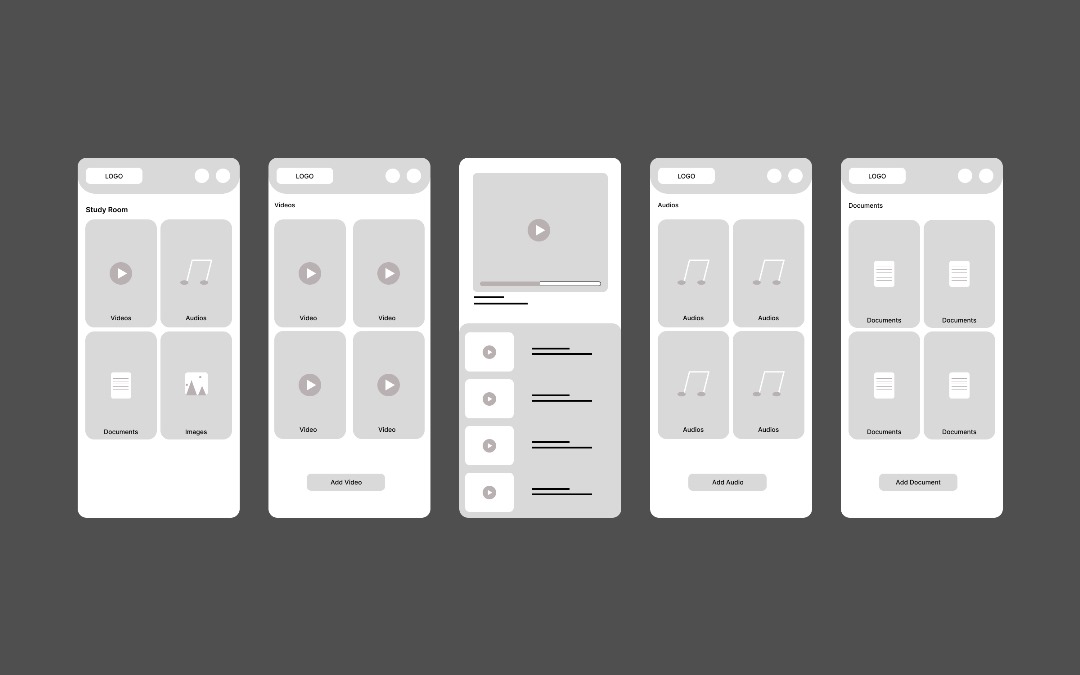
User research
I conducted interviews and contextual inquiry with students to map collaboration habits and common organizational problems. Findings informed the core capabilities: multi-room organization, varied file support, reminders and progress tracking.
Design & validation
I designed detailed low- and high-fidelity screens, built an interactive prototype, and ran moderated tests to refine onboarding, discovery, and sharing mechanics so new users could create and join rooms without friction.
What I shipped
Delivered core flows for creating subject rooms, attaching mixed media, setting reminders, tracking goals, and inviting peers. I produced high-fidelity screens, an interactive prototype, and a small component set that supports room cards, progress indicators, and share actions.
Impact & learnings
Early prototype testing showed improved first-time success rates for account creation and password reset flows. Prioritizing onboarding, discoverability, and simple sharing mechanics increased early user confidence and made collaboration straightforward.
Next steps
Expand reminders and analytics, run broader usability tests, and prepare developer-ready documentation for a future launch.